AI Receipt Organizer for Car Repairs: Scan to Search Fast
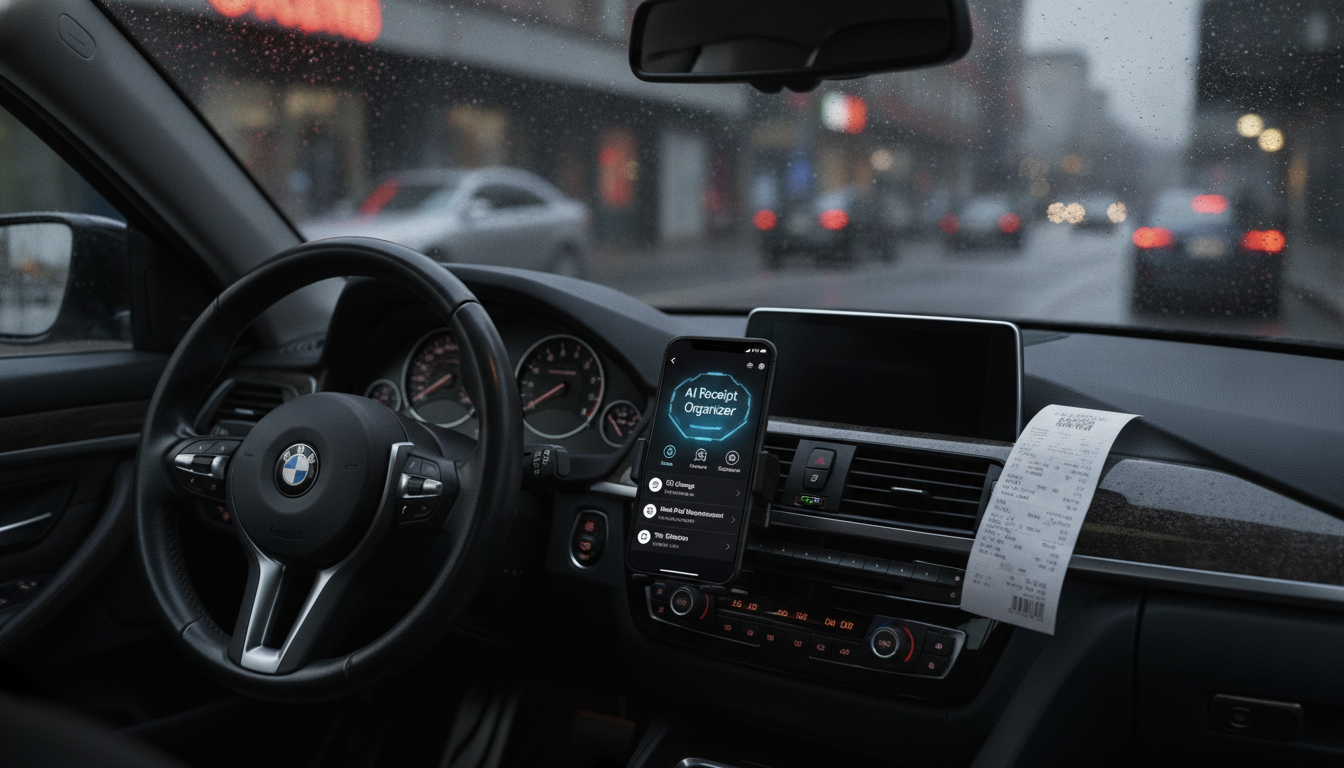
Smarter Car Repairs with AI: Scan, Sort, and Find Every Receipt in Seconds
Car repair receipts tend to disappear right when they’re needed—during a warranty claim, resale, tax season, or a surprise breakdown. A simple AI-assisted system can turn paper piles and random photos into a searchable repair history that supports better maintenance decisions, faster troubleshooting, and cleaner budgeting.
What an AI receipt system does for vehicle owners
When receipts live in gloveboxes, email threads, and camera rolls, “proof” becomes a scavenger hunt. AI-assisted receipt organization fixes that by turning every invoice into a searchable record you can pull up on demand.
- Turns paper receipts and PDFs into searchable text using OCR (optical character recognition).
- Extracts key fields (date, shop, parts, totals, mileage) and organizes them consistently.
- Groups related documents by repair, shop, or vehicle so a full job history is easy to pull up.
- Creates a clear timeline that helps spot patterns (repeat failures, rising costs, missed maintenance).
- Reduces time spent digging through gloveboxes, email attachments, and photo galleries.
For consumer-friendly guidance on repair documentation and shop practices, the Federal Trade Commission’s Auto Repair Basics is a helpful reference.
Quick setup: tools and folders that make the workflow stick
The best system is the one that survives busy weeks. Keep the setup simple, repeatable, and easy to maintain from your phone.
- Choose a single “inbox” capture method: phone scan app, email forwarding, or a dedicated cloud folder.
- Create a simple folder structure: Vehicle → Year → Category (Maintenance, Repairs, Tires, Registration, Insurance).
- Use consistent file naming so receipts remain readable even outside an app: YYYY-MM-DD_Mileage_Shop_Service_Total.
- Pick one spreadsheet or notes database as the “index” for totals, mileage, and keywords; link each line to the scanned file.
- Back up in two places (cloud + local drive) to avoid losing years of records after a phone upgrade.
| Item | Recommended format | Example |
|---|---|---|
| Folder path | Vehicle / Year / Category | Civic_2016 / 2026 / Repairs |
| File name | YYYY-MM-DD_Mileage_Shop_Service_Total | 2026-06-02_84510_Firestone_Brakes_389.22 |
| Index fields | Date, Mileage, Vendor, Service, Parts, Total, Notes | Oil change, 5W-20, filter, coupon used |
If you’d rather follow a ready-made framework instead of building from scratch, Smarter Car Repairs with AI – Practical Guide (Digital Download) walks through capture, naming, indexing, and tagging so the routine stays consistent across months and miles.
Scanning receipts that AI can read accurately
AI is only as good as what it can “see.” A few scanning habits dramatically improve OCR accuracy—especially on thermal paper that fades quickly.
- Use bright, even lighting; avoid shadows and crumpled paper to improve OCR accuracy.
- Capture the full page edge-to-edge; verify the total and date are visible before saving.
- Scan as grayscale or “document mode” for thermal receipts to reduce glare and fading.
- Save in PDF when possible for multi-page invoices; keep a single receipt per file for easier automation.
- If a receipt is fading, scan early and store the file with a quick summary in the index.
Many drivers prefer saving receipts as PDFs because it keeps multi-page invoices together and preserves readability across devices. Adobe outlines a straightforward mobile workflow here: Scan documents to PDF (mobile).
How AI helps categorize repairs and build a maintenance timeline
Once receipts are scanned, AI can help turn raw text into a usable maintenance history. The goal isn’t perfection; it’s consistency—so you can search, filter, and compare without re-reading every invoice.
- Auto-categorize common line items (brakes, tires, battery, fluids, belts) into consistent buckets.
- Normalize vendor names (e.g., “Joes Auto LLC” vs “Joe’s Automotive”) to avoid duplicates.
- Extract mileage when listed and flag outliers (missing mileage, impossible jumps, mismatched dates).
- Generate a “last replaced” list (battery date, tire purchase date, brake service date) for planning.
- Tag documents for fast retrieval during diagnostics (e.g., “P0420”, “misfire”, “alignment”, “coolant leak”).
| Tag type | Examples | Why it helps |
|---|---|---|
| System | Brakes, Cooling, Electrical, Suspension | Speeds up troubleshooting and budgeting by area |
| Symptom/code | Squeal, Pulling, P0301, Overheating | Links past fixes to current issues |
| Parts/brand | Bosch, Denso, Michelin | Tracks part quality and warranty replacements |
| Vehicle state | Pre-trip, Pre-sale, Winter prep | Supports planning and seasonal maintenance |
Using your receipt archive to make better repair decisions
A clean archive doesn’t just save time—it changes the quality of decisions. When you can instantly see what happened last time, you’re less likely to pay twice for the same diagnosis or miss a pattern that’s been brewing for months.
For a broader view of what to keep up with over the life of a vehicle, NHTSA’s vehicle maintenance guidance is a solid checklist-style resource.
Digital download guide: ready-to-use structure for scanning and organizing
- Smarter Car Repairs with AI – Practical Guide (Digital Download)
- Car Safety Inspections eBook: Ultimate Guide for DIY Checklists, Tools, and Tips
Common pitfalls and fixes
FAQ
What information should be captured from each car repair receipt?
Capture the date, mileage, shop/vendor, services performed, parts/fluids used, totals (labor/parts/tax), any warranty terms, and brief notes about symptoms or recommendations. Keep the original scan and add an indexed summary so you can search and filter without opening every file.
Do AI scanning tools work on faded thermal receipts?
Results vary, but scanning early helps a lot—use document mode, strong even lighting, and save as a PDF for better readability. If the receipt is already too faint, add a manual summary for the key fields like date, mileage, and total.
How should repair records be organized for resale or warranty claims?
Keep a chronological timeline sorted by mileage, supported by folders grouped by system (brakes, tires, engine, cooling, electrical). Include a one-page summary and attach major invoices like tires, battery, timing belt, transmission service, and any warranty-covered repairs.












Leave a comment