Cut Grocery Costs With AI: Lists, Price Alerts & Deals
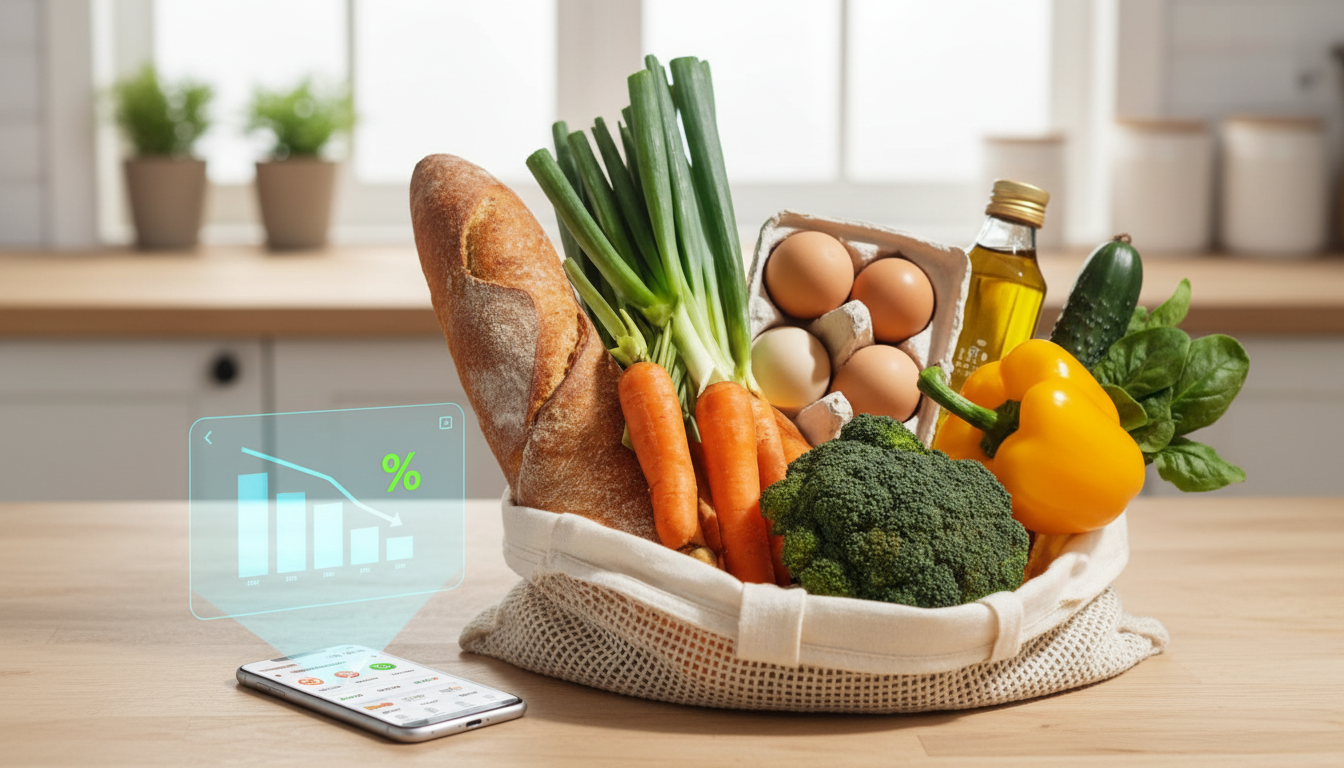
Use AI to Cut Your Grocery Bills: Smart Lists, Price Tracking, and Automated Discounts
Grocery costs climb fast when meal plans change, impulse buys sneak in, or discounts get missed. AI tools can reduce that waste by building smarter lists from what is already at home, predicting the cheapest meal plan for the week, and alerting shoppers when prices drop. The payoff isn’t “perfect” shopping—it’s a repeatable routine that gets easier every week and keeps more money in your budget.
Set up an AI-powered grocery system in 30 minutes
The fastest wins come from simplifying where information lives. Pick one “home base” for lists (a notes app, grocery app, or a spreadsheet) and commit to keeping everything there so items don’t get duplicated. Then use one AI assistant for planning and one pricing source (store app, loyalty account, coupon app, or price tracker) so the workflow stays lightweight.
Create three recurring templates: Weekly Staples (milk, bread, fruit), This Week’s Meals (only what you need to cook), and Household/Toiletries (paper goods, detergent). Add a simple budget rule—weekly cap, maximum per-meal cost, and a small “treat” allowance—so savings don’t get erased by a cart full of “extras.” Finally, enable notifications only for what matters: price drops, digital coupon matches, and loyalty offers.
| Task | What to enter | Time |
|---|---|---|
| Create list templates | Staples + Meals + Household | 5 min |
| Add budget rules | Weekly cap + per-meal cap + treat cap | 5 min |
| Connect price sources | Store apps + loyalty + coupon apps | 10 min |
| Save pantry basics | Common items and preferred brands | 5 min |
| Run first AI meal plan | 5 dinners + 3 lunches + breakfasts | 5 min |
Build a smarter grocery list from your pantry and schedule
Before you “plan,” do a quick pantry scan. Note what’s on hand, what’s expiring soon, and what’s missing to turn what you already have into complete meals. Then give the AI your real-life constraints: number of people, dietary needs, time limits, and how many leftover meals you want.
The best cost control comes from ingredient reuse. A single chicken pack can become tacos, a salad topper, and soup—three meals without buying three different proteins. Ask for a consolidated shopping list sorted by aisle (produce, dairy, pantry, frozen) to reduce wandering and reduce “accidental” spending. Also set substitution rules up front: store brand is okay, fresh can become frozen, and expensive proteins can be swapped for beans or eggs when needed.
Prompt template for a budget meal plan (copy/paste)
| Input | Example |
|---|---|
| Budget | $90 for 2 adults, 1 kid |
| Meals | 5 dinners, 3 lunches, simple breakfasts |
| Constraints | 30 minutes max on weeknights; leftovers twice |
| Pantry items | Rice, pasta, canned tomatoes, frozen veg, eggs |
| Preferences | Minimize food waste; repeat ingredients across meals |
Use AI to find cheaper swaps without sacrificing nutrition
Saving money doesn’t have to mean “less healthy.” Ask for cost-saving substitutions by category—protein, produce, snacks, and drinks—so you can make targeted changes without overhauling your whole diet. Then have the AI summarize value using price per unit comparisons (ounces, pounds, servings). Bigger isn’t always better, but single-serve usually costs more.
When prices spike, flexible staples keep meals filling: lentils, chickpeas, oats, eggs, cabbage, carrots, and frozen fruit. For nutrition-equivalent swaps, use reliable references to compare macros and ingredients (for example, USDA FoodData Central) and check label basics like added sugar and sodium using guidance from FDA Food Labeling and Nutrition. Over time, build a default “acceptable substitutes” list so the plan stays realistic when shelves are empty or prices change mid-week.
Common savings swaps
| If prices are high on… | Try swapping to… | Best use |
|---|---|---|
| Beef | Beans, lentils, ground turkey | Chili, tacos, pasta sauce |
| Fresh berries | Frozen berries | Smoothies, oatmeal, yogurt |
| Bagged salads | Whole lettuce/cabbage + simple dressing | Salads, slaw, wraps |
| Single-serve snacks | Bulk + portion at home | Lunchboxes, quick snacks |
| Name-brand staples | Store brand | Rice, pasta, canned goods |
Automate discount hunting with AI-driven alerts
Store apps and loyalty programs tend to be the most consistent source of discounts. AI helps separate “real savings” from noise by comparing a deal to your usual unit price rather than the shelf’s regular price. (Tracking inflation trends can also add context; the U.S. Bureau of Labor Statistics CPI is a helpful benchmark.)
One practical routine: paste weekly deal highlights into your AI assistant and request recipes that match the best offers while still reusing ingredients across meals. For repeat purchases like coffee, diapers, or pet food, set price-drop alerts and buy only at your target price. When stacking is allowed, use a careful order: loyalty price + digital coupon + cashback, but only for items that are already on your plan so “saving” doesn’t become overspending.
Stop impulse buys with “guardrails” during shopping
Track results and improve the plan each week
A practical toolkit for saving with AI
- How to Use AI to Cut Your Grocery Bills: The Ultimate Guide to AI for Saving Money on Groceries, Smart Grocery Lists, and AI-Driven Discounts
- Car Safety Inspections eBook: Ultimate Guide for DIY Checklists, Tools, and Tips
FAQ
What information should an AI assistant get to create a cheaper grocery plan?
Include household size, weekly budget, dietary needs, cooking time limits, pantry items, preferred stores, and a list of acceptable substitutes. Ask for ingredient reuse across meals and request a shopping list grouped by aisle.
Do AI deal alerts actually save money, or do they encourage extra spending?
They save money when alerts are limited to planned items, tied to unit-price targets, and capped with stock-up limits. Without those filters, frequent notifications can push unnecessary purchases.
How can grocery savings be measured beyond coupons?
Track weekly total spend, unit price on frequent items, meals cooked at home, and estimated food waste. Compare against a 4-week baseline to confirm savings are consistent rather than occasional.












Leave a comment